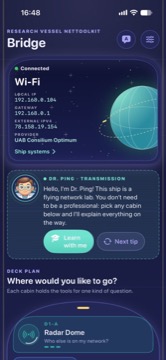
Bridge
Current network status, Dr. Ping tips, telemetry, and fast entry points into the ship.

iOS application support
Usage guide for NetToolkit on iPhone. Last updated: November 12, 2026.
Waiting for Review iOS 1.0 Waiting for Review
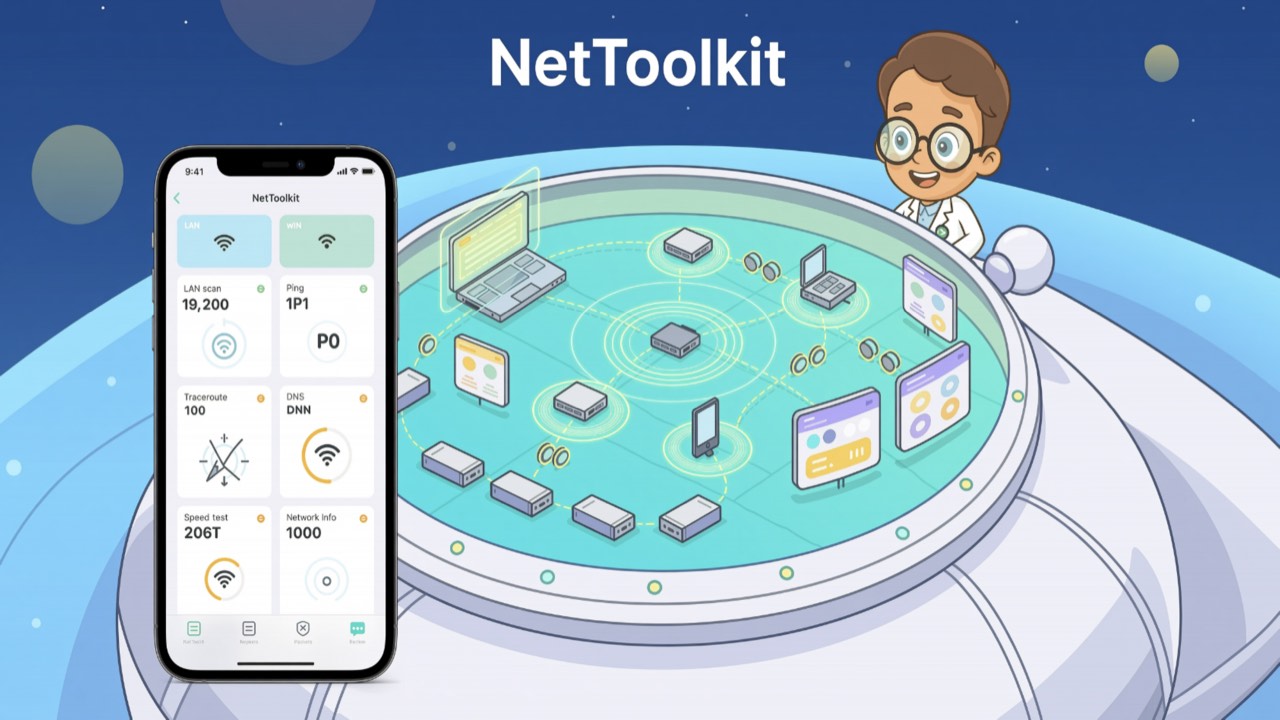
NetToolkit is an iPhone network diagnostics app redesigned as a bright starship console. Dr. Ping guides users through LAN scanning, ping, traceroute, DNS and Whois/RDAP lookup, port checks, IP and MAC tools, speed tests, discovery tools, and local report history.
Use NetToolkit only on networks and hosts you own, administer, or have permission to test.
Starship network lab
The new interface groups diagnostics into ship compartments, adds plain-language Dr. Ping guidance, and keeps exportable local history for repeated troubleshooting.
Current network status, Dr. Ping tips, telemetry, and fast entry points into the ship.
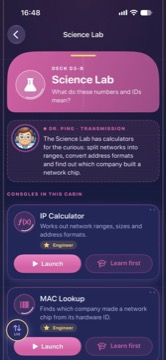
Diagnostics are grouped into rooms such as Radar Dome, Comms Array, Star Atlas, and Science Lab.
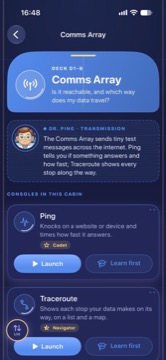
LAN scan, Bonjour discovery, and UPnP discovery are collected in the local-network room.
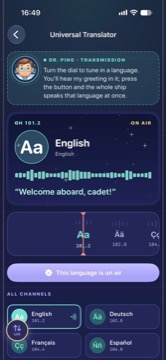
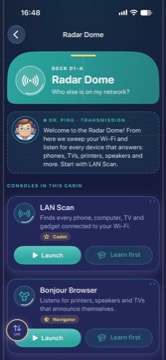
DNS lookup and Whois/RDAP tools help inspect names, records, ownership, and registry details.
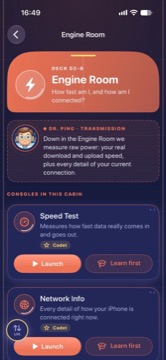
Lessons explain tool concepts, practical steps, common terms, and what to try when stuck.
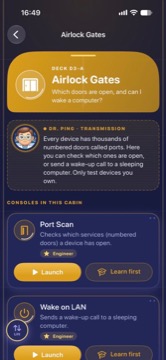
Saved results stay on the iPhone and can be reviewed, annotated, favorited, or exported.
Some tools contact internet services to produce results: Cloudflare for speed testing, ipify for external IP lookup, ipinfo.io for optional geolocation and ASN details, Whois servers and rdap.org for registration lookups, plus DNS servers and hosts that you choose to test. Private local addresses are not sent to geolocation services.
The free version may show banner ads. NetToolkit may offer a Remove Ads in-app purchase handled by Apple StoreKit. If ads remain after purchase, use Restore Purchases in the app with the same App Store account.
NetToolkit does not require an account. History, device names, notes, favorites, and app preferences are stored locally on your iPhone. The app sends no custom analytics to a developer server. Network tools contact the hosts and services required for the specific tool you run.
Read the full NetToolkit Privacy Policy for details about permissions, local data, internet services, ads, purchases, and retention.
For support, contact Oleg Bourdo at tech_support@vozhyk.com.